Advanced
Software
Made Simple
Software
Made Simple
We have 25 years of experience in the hospitality industry writing our own proprietary hotel software.
Integrated. Dependable.
Bilingual.
Bilingual.
All OpenHotel systems were built together from the first line of code rather than by acquisition.
Each product offering is comprehensively developed and robust, designed to deliver complete solutions, not just a nominal set of features.
Expedia Elite and Booking.com Premier Partner
Full Content API integration, 99.9% connectivity, 2% worldwide award recognition.
Zero downtime in 5 years and counting
We've heavily invested in our infrastructure to give you peace of mind.
24/7 Support,
in English and Spanish
in English and Spanish
We value personal connection with our clients. Call us and we're there.
Book a Demo
All-In-One Enterprise Hotel and PMS
Software as a Service
Software as a Service
Hotel PMS System
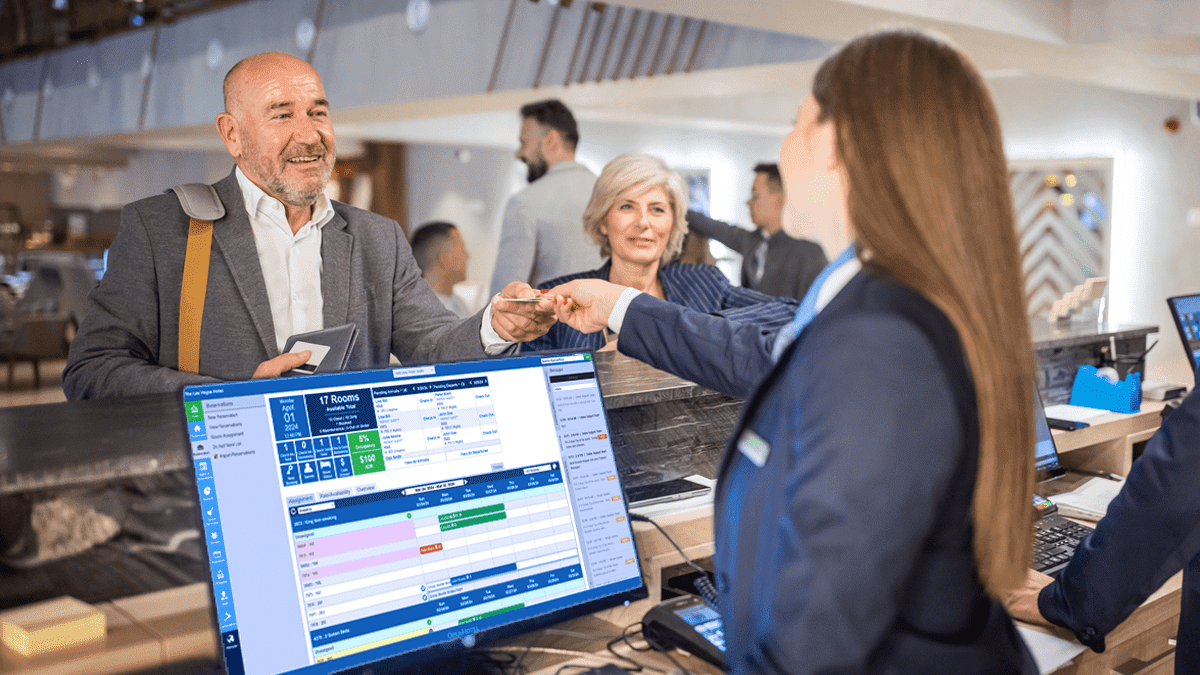
A system that aligns with your unique needs and simplifies your processes giving you the freedom to focus on your guests. Powerful and full-featured but easy to learn. Works seamlessly with all OpenHotel products.

Channel Management
A robust and highly-integrated channel management platform. Direct connection with rates and inventory built into the PMS for one point of management. Full suite of Content API’s integrated throughout the PMS, such as policies, promotions, reviews and descriptions.

Yield Management
Achieve greater ADR and occupancy levels with this dynamic automation tool. Seamlessly control inventory opens and closes, ensuring the right price at the right time, in perfect harmony with the Channel Manager and PMS to implement strategic channel segmentation.

Enterprise Management
Experience the next level of multi-property management with a versatile toolkit designed for owners, management companies, and brands. Segment properties to optimize rates, manage channels, and view dynamic reporting from a single dashboard. Promote properties collectively through a multi-property booking engine portal.

Website & Booking Engine
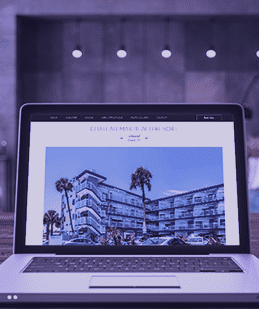
Choose from dozens of designs that integrate with the Booking Engine and PMS. A one-time setup fee and free hosting make this an easy choice.
What Customers
Are Saying
Integrate with Tools You
Know and Use
Payments
OpenHotel's integrated payments processing, with its wide selection of gateways, merchant options, competitive rates, and customer service, can provide hotels with a comprehensive and efficient payment solution that meets their unique needs.

Guest Messaging
OpenHotel's approach of offering a built-in guest messaging platform along with partnerships for advanced systems, provides hotels with a scalable and flexible solution to enhance communication and deliver exceptional guest experiences.
Channels
OpenHotel's abundance of direct channels, including popular platforms such as Expedia, Booking.com and Google, provides hotels with extensive distribution opportunities. Additionally, the Channel Manager Plus product offers connectivity to alternative-home accommodation platforms like Airbnb, VRBO and Hostel World.
Key Lock Systems
OpenHotel works with both digital key companies and key manufacturing companies to ensure compatibility and integration with any solution. Whether it is contactless or an existing hotel infrastructure system, our goal is to provide a seamless guest experience.

POS
The integration between the POS system and OpenHotel PMS allows for easy posting of charges directly to guests' room accounts. Staff can easily track and manage guest charges and payments, streamlining accounting and reconciliation processes.

Marketing
OpenHotel’s superior marketing partners offer a full suite of digital marketing solutions for hotels of any size is an impressive advantage. With services such as paid media, visual content creation, public relations, and tailored strategies with data analysis, hotels can optimize revenue on any platform.